Does this sound familiar? You want to take a screenshot of a whole webpage, including the info below the fold, but your drag-and-drop tool only captures the details on your desktop screen.
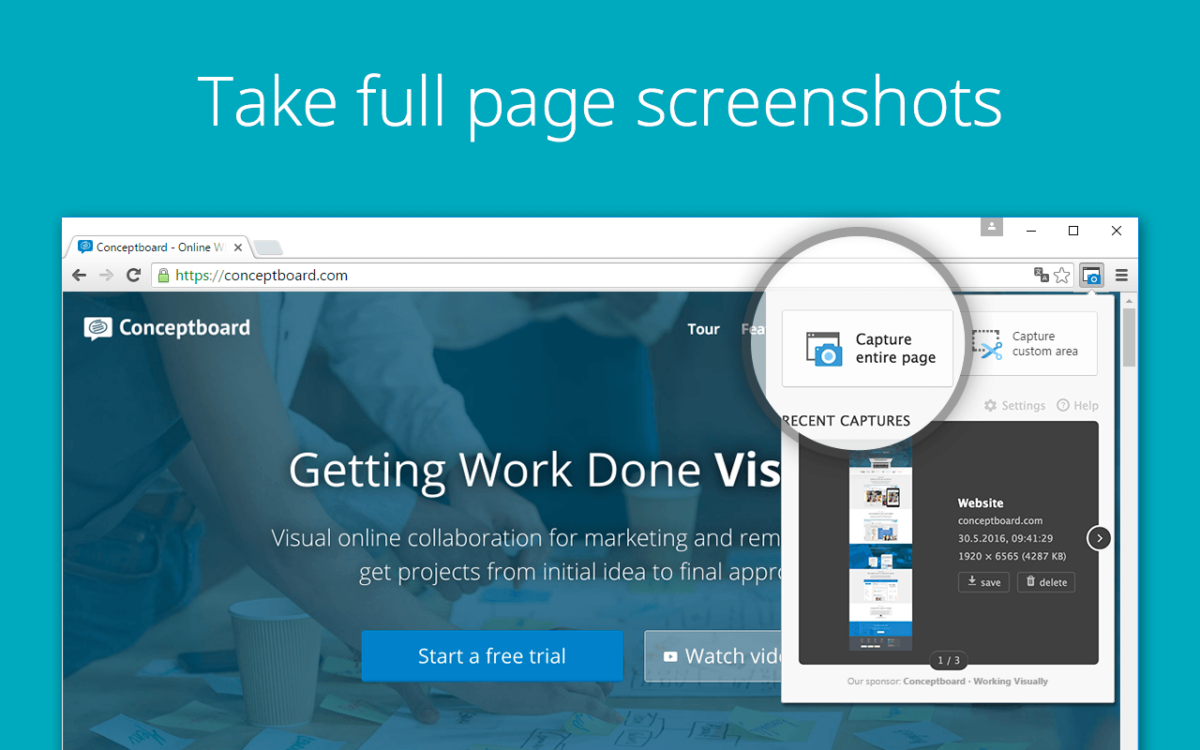

Does this sound familiar? You want to take a screenshot of a whole webpage, including the info below the fold, but your drag-and-drop tool only captures the details on your desktop screen.

Do you desire to print your document to pdf on your PC? Printing to PDF on Windows is an easy and convenient way to save documents, web pages, and other types of content as a PDF file. Here are some effortless ways to print to PDF on Windows:
Printing to PDF is a great way to save your document. This is especially true if you don’t have access to a printer at the moment.
Use our short guide and learn how to print your document to PDF in windows within minutes.
Let’s dive in!
If you’re using Google Chrome, you can easily print to PDF by
Overall, Effortless Ways to Print to PDF on Windows include a straightforward process, and there are many different ways to do it. Choose the method that works best for you based on your preferences and the software you have installed on your computer.
For this method to work, you need to install Adobe Acrobat on your computer. If you have a hard time installing the software, seek the help of a local computer technician like us at Same Day Geek 778-294-2940.
That’s all we have for now. Thank you for stopping by.